
CrabTalk: Talk to Your OpenClaw
A mobile voice client for your OpenClaw server—connect in seconds, talk by voice.
Need help connecting?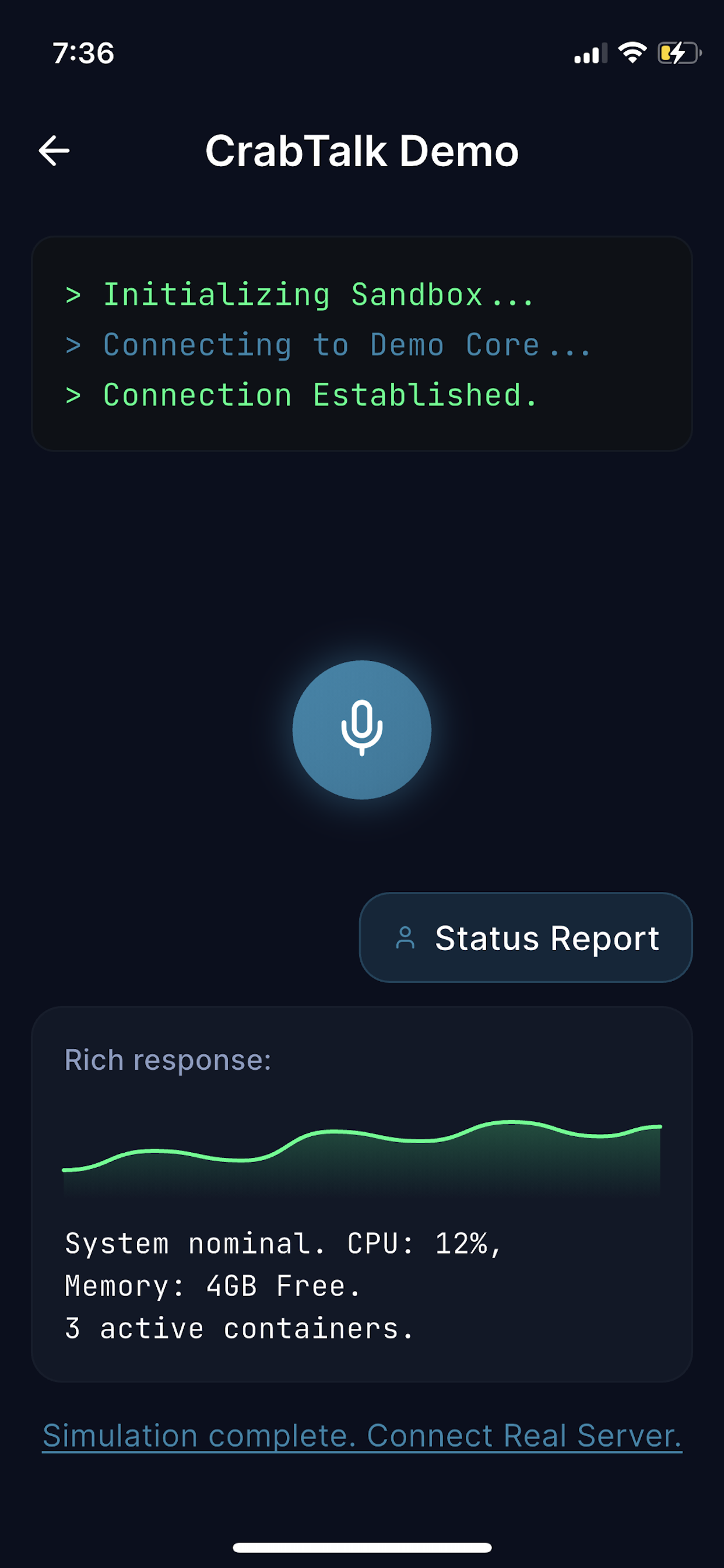
Why CrabTalk?
Connect in seconds
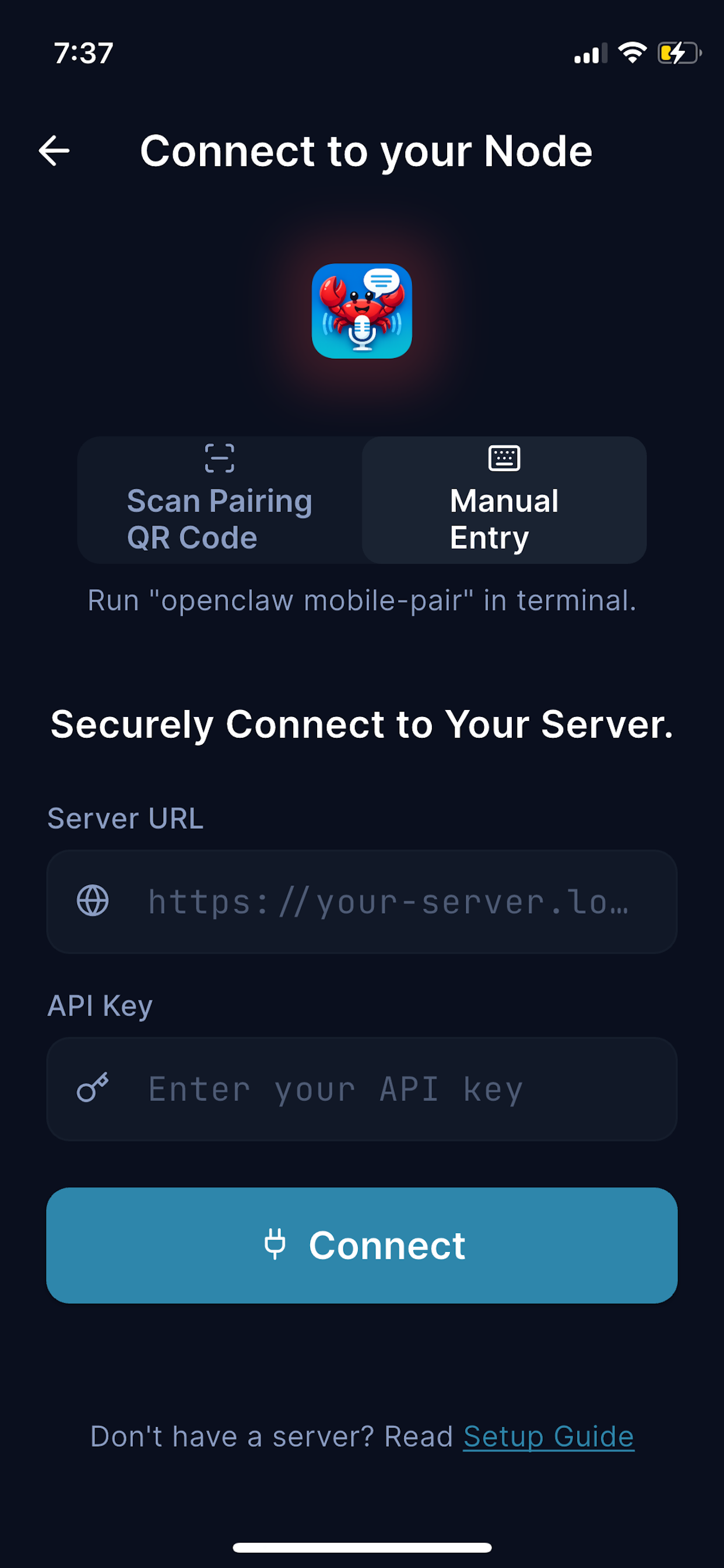
Server URL → Token → Test connection. That's it.
Voice-first
Push-to-talk with fast playback and transcripts. Hands-free interaction with your server.
Your server. Your data.
CrabTalk connects only to the OpenClaw server you configure. No third-party relay.
Product Preview
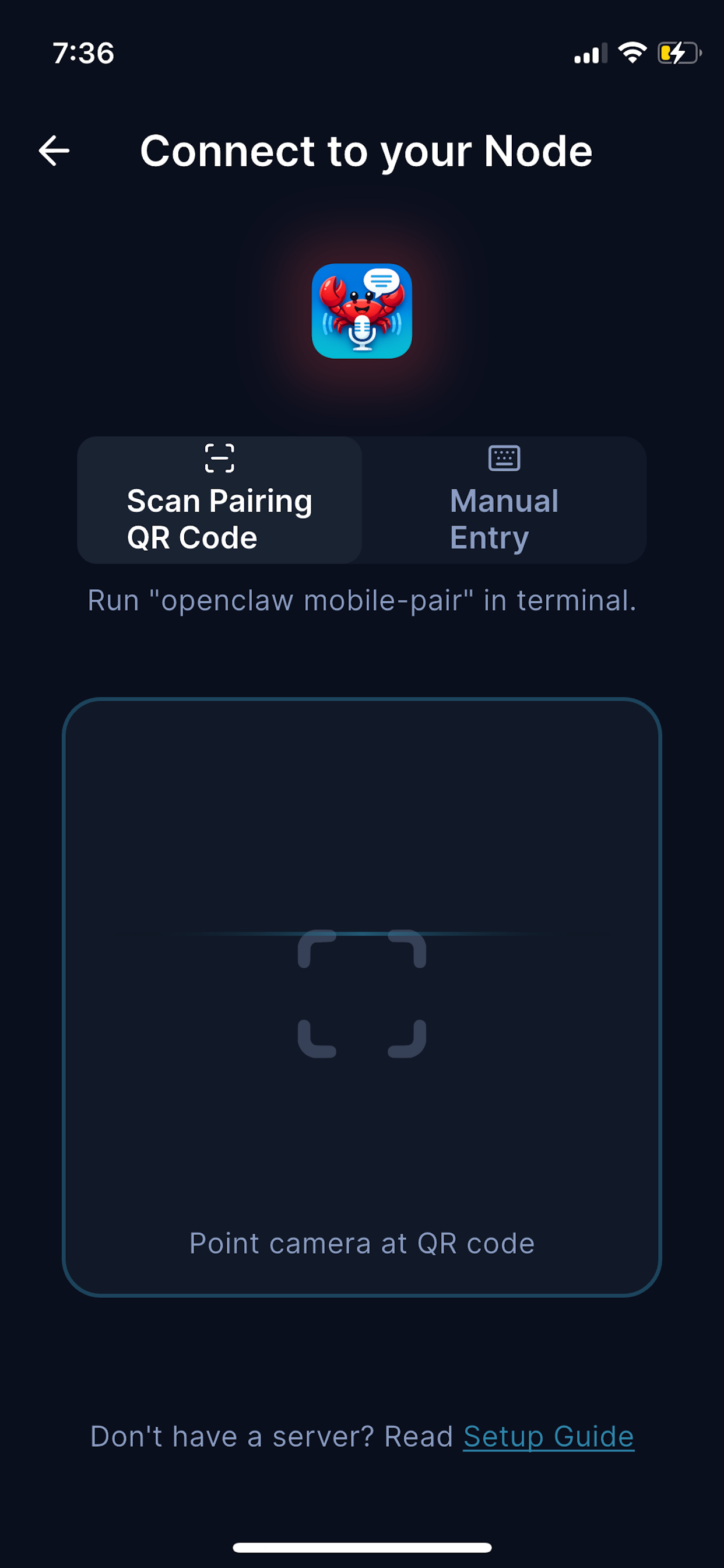
Clean, intuitive screens designed for speed.
How It Works
1
Add your OpenClaw server URL
Enter the URL of your self-hosted OpenClaw instance.
2
Paste token and test connection
Authenticate with your access token and verify the link is live.
3
Tap the mic and talk
Push-to-talk sends audio to your server and streams the response back.
Features
- Multiple servers (dev / staging / prod)
- Optional conversation history
- Quick Actions (one-tap commands)
- Secure token storage